 John Cuthbert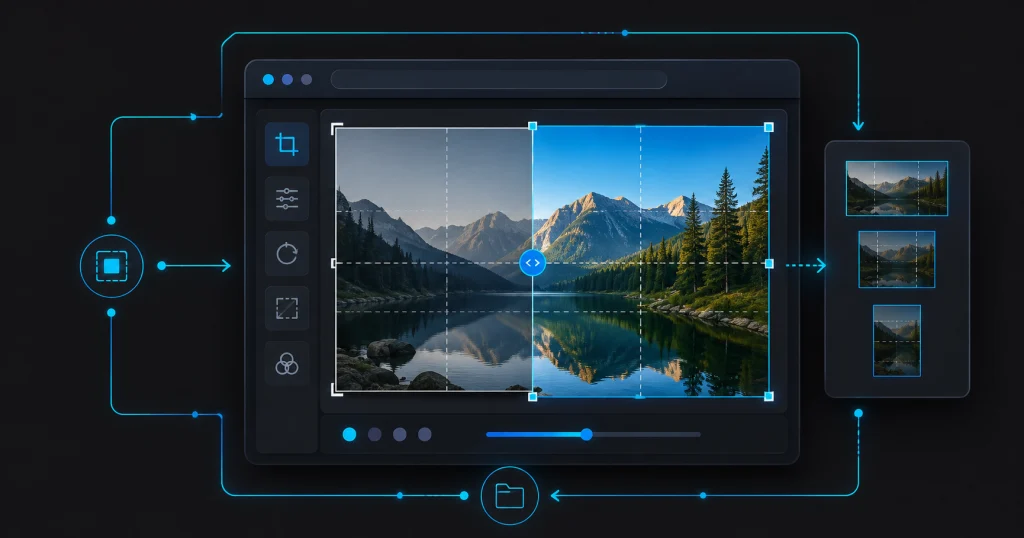
WordPress 7.1, codenamed “Mary Lou” after jazz pianist Mary Lou Williams, shipped on 19 August 2026. Most major-version WordPress releases are a mix of genuinely useful and mostly-marketing — this one leans further toward useful than most, particularly if you’re managing media at any real scale.
The actually useful part: image editing moved to the browser
Image compression and resizing now happens client-side via WebAssembly (libvips), before the file ever hits your server. That means no more PHP memory-limit errors or upload timeouts on large images — a genuinely common support ticket for content teams uploading straight-off-camera photos or unoptimised exports. There’s also native support for AVIF, HEIC, and HDR gain maps, and a proper media editor modal replacing the old inline cropping tool, with freeform/aspect-ratio cropping, flipping, rotation, and metadata editing in one place.
Real responsive controls, not just theme.json editing
The Site Editor now has built-in responsive styling tools, with customisable breakpoints via theme.json — the kind of thing that previously meant reaching for custom CSS the moment a design needed to behave differently on tablet versus desktop. Buttons also get proper interactive states
(hover, focus, active) without extra markup.
Editor and collaboration changes
- Inline notes now support rich text, @mentions, and text-level (not just block-level) annotations
- Two new blocks: Playlist (audio collections, optional waveforms) and Tabs
- The post editor is now fully iframed for all themes, matching how the Site Editor has worked for a while — this mostly matters for theme authors, since it changes how a theme’s own styles interact with the editor iframe
- The admin bar now persists across all editor views, so navigation doesn’t reset every time you switch context
Our take
The browser-based image processing is the standout — it’s not a flashy editor feature, it’s a genuine reduction in a class of problem that’s wasted real hours on real support tickets for as long as WordPress has existed. The rest is solid, incremental Site Editor and collaboration work rather than anything that changes how you should be building.
As always: test on staging, not production, and don’t auto-update a client site the day a major version drops. If you’re on one of our Development Retainer plans, this is already scheduled into the next maintenance window rather than something you need to think about.